
Harvest screen to print
Call of the Wild trophy posters from your harvest screen.
Upload your theHunter: Call of the Wild harvest screen. The poster builder reads the animal and hunt details, crops the trophy image and pairs it with the correct reserve identity and map texture.
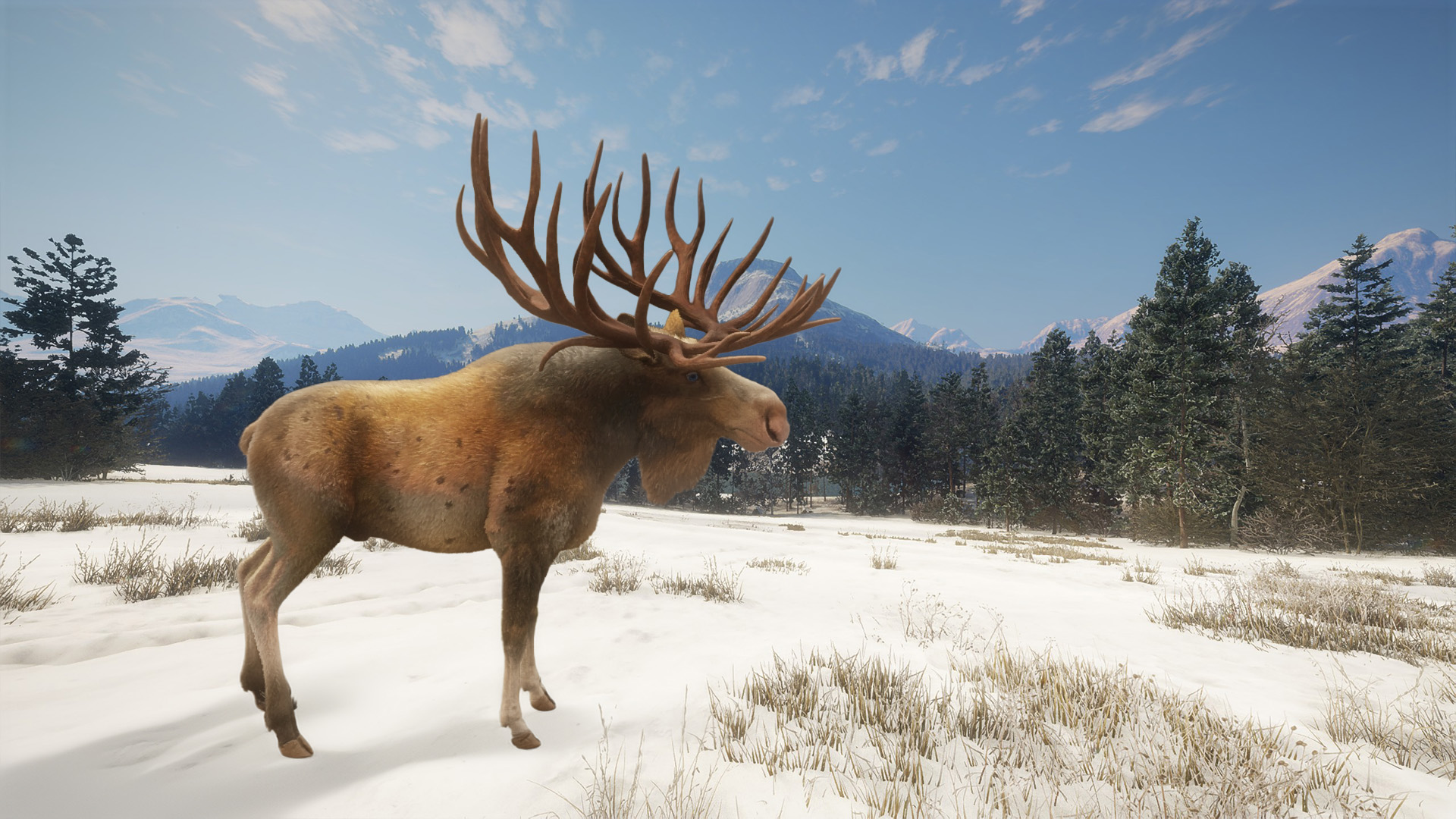
Built around the harvest screen
The upload reader runs in your browser and looks for the labels and values used by the game. It also accounts for split labels such as “Fur” followed by “Type Melanistic” and restores missing decimal separators where the on-screen layout makes the intended weight clear.
Text recognition runs locally in your browser. The screenshot is only uploaded to private design storage after you check the proof and choose to save it or add it to the basket. You should still compare all values with the original harvest screen before ordering.
Reserve-specific artwork
The catalogue covers all 19 reserves currently represented in the builder. The selected reserve controls the logo and topographic material used behind the details, so an Askiy Ridge harvest does not appear as a Layton Lake print.
Trophy icons retain their correct shapes and use a restrained bronze, silver, gold, diamond or Great One colour. A Great One treatment is only triggered when a Fabled value is detected in the appropriate harvest data.
What to upload
- Use the original harvest screen rather than a compressed social-media copy.
- Keep the complete animal and both information columns visible.
- Avoid overlays, menus or notifications covering the values.
- Check weights carefully, including commas or decimal points.
- Use the crop control to isolate the animal for the finished poster.