
Three considered steps
From harvest screen or trophy photo to finished print.
The source changes, but the process stays simple: upload one image, confirm the facts and finish the design. Nothing is sent to print from an unchecked automatic result.
1. Choose the source and upload
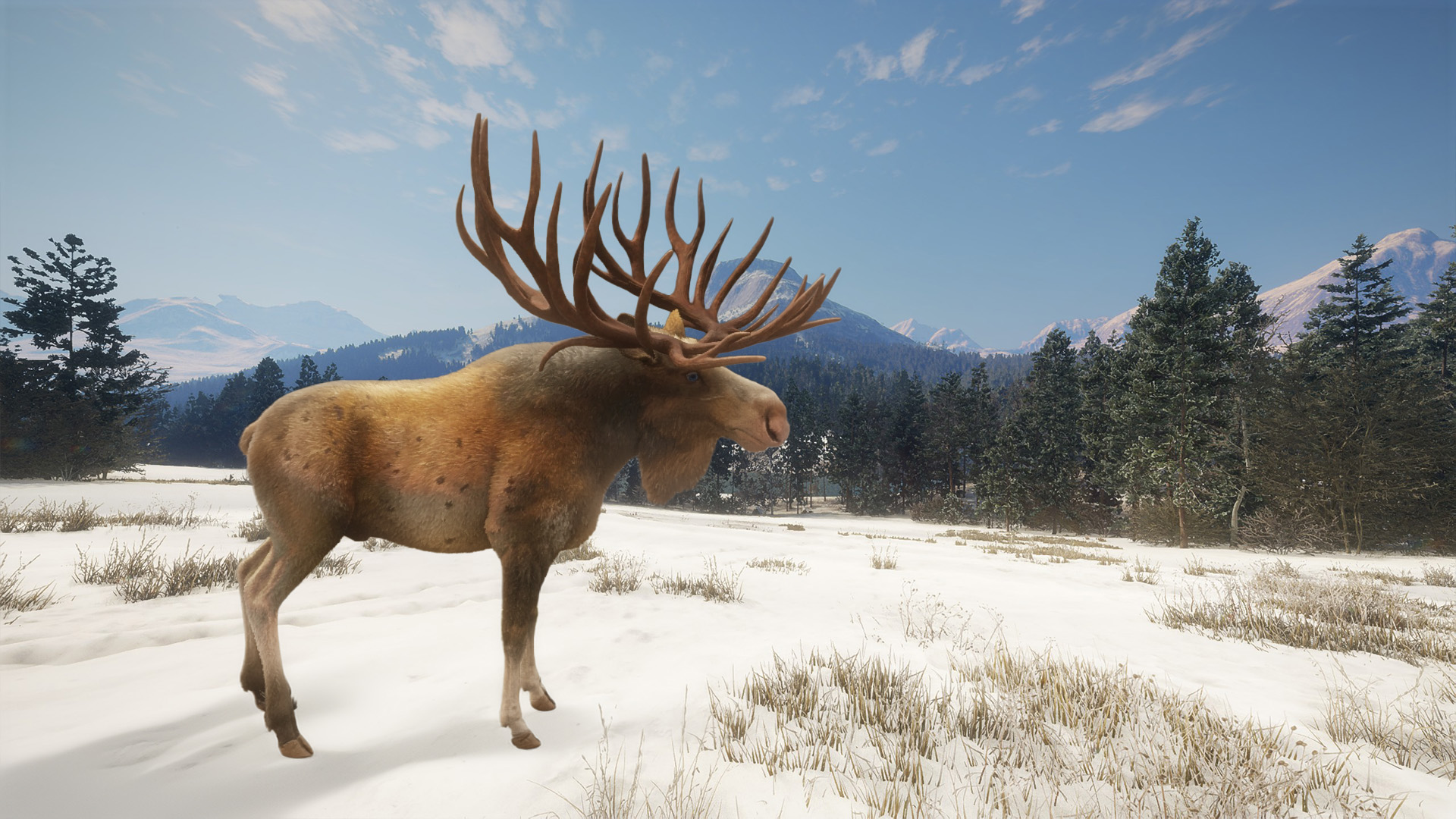
Select theHunter: Call of the Wild, Way of the Hunter, Way of the Hunter 2 or Real-world trophy. Way of the Hunter sources begin with an Overview or Trophy claim screen and accept an optional Bullet Camera screen. The real-world source uses one original photograph.
2. Check the details and crop
Game fields are read automatically in the browser. The dedicated Way of the Hunter readers keep stars, trophy score, fitness and hunt rating separate, while the optional second screen supplies firearm, calibre and distance. Real-world details are entered manually because a photograph cannot verify them.
Compare every value with the source. Then move and scale the crop until the animal sits clearly in the image area without retaining unwanted screen text.
| Call of the Wild | Automatic first pass, reserve-aware artwork and editable fields. |
|---|---|
| Way of the Hunter series | Version-specific claim-screen fields with an optional Bullet Camera upload. |
| Real-world trophy | Manual verified details, selected scoring system and location map. |
3. Choose the print finish
Select the paper tone, digital or physical size and optional frame. The current catalogue includes A4, A3 and A2 prints, with oak and black frame options. Review the complete proof before adding it to the basket.
The intended fulfilment process includes a human design check before an approved order is passed to print and delivery.